One app, from first scan to closed won
A closer look at how BxCard captures leads, moves them through your pipeline, and keeps your whole team working the same data.
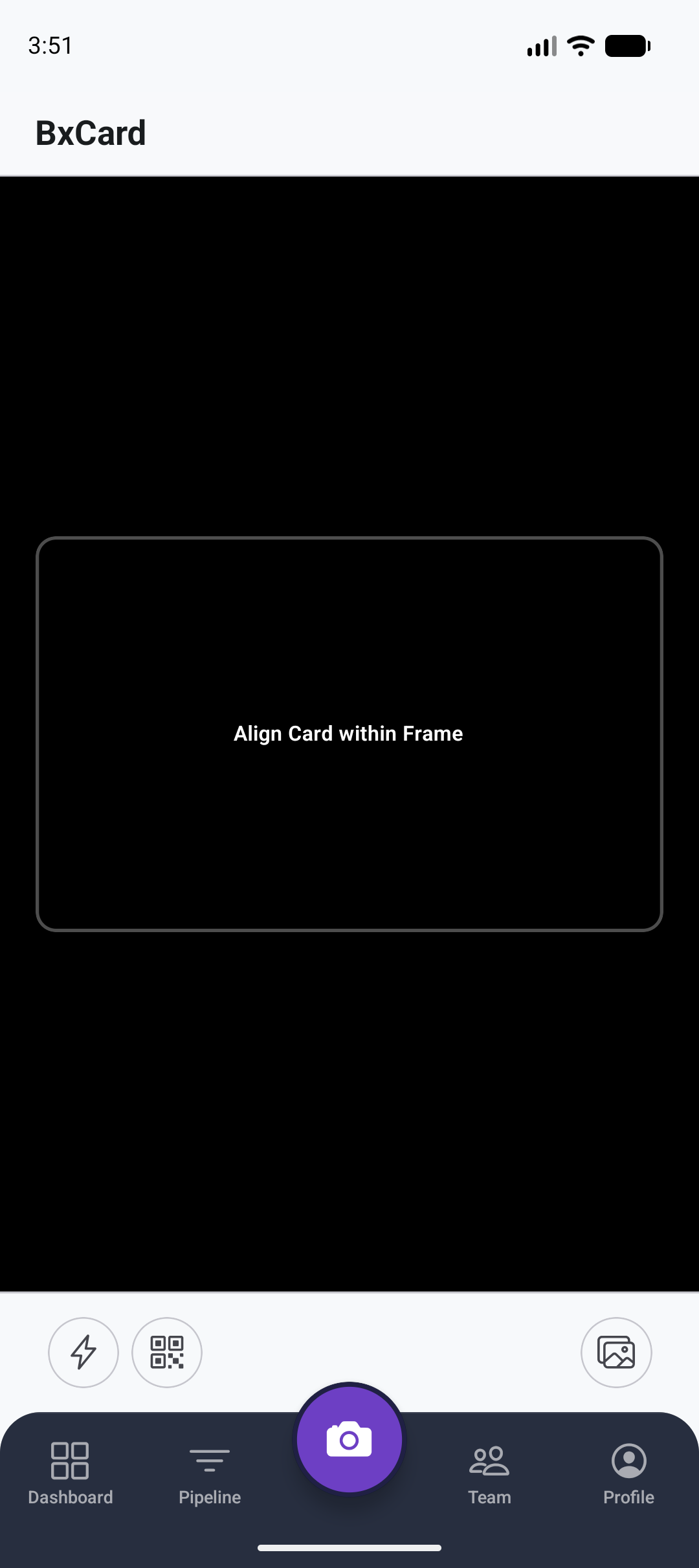
Point, scan, and the details are already filled in
Point the camera at a business card and AI/OCR extracts the name, job title, company, mobile, email, website, address, and a best-guess industry - automatically. No typing.
- Front and back of the card, both supported.
- Also scans a QR-code digital contact card.
- Extracted fields are editable before you save the lead.
Not every lead comes from a physical card
Scanning is the primary flow, but BxCard covers the other two ways leads actually show up.
Bulk spreadsheet import
Import a .xlsx or .csv export from another CRM or event registration list. Column headers like "Phone", "Mobile", or "Contact Number" are auto-detected - no template required. Bad rows are skipped with a clear reason, not an all-or-nothing failure.
Manual entry
Add name, company, phone, email, deal value, tags, and notes by hand for leads with no card at all.
Card scan
The primary flow - a few seconds per card, even at a busy trade-show booth.
A pipeline that organizes itself
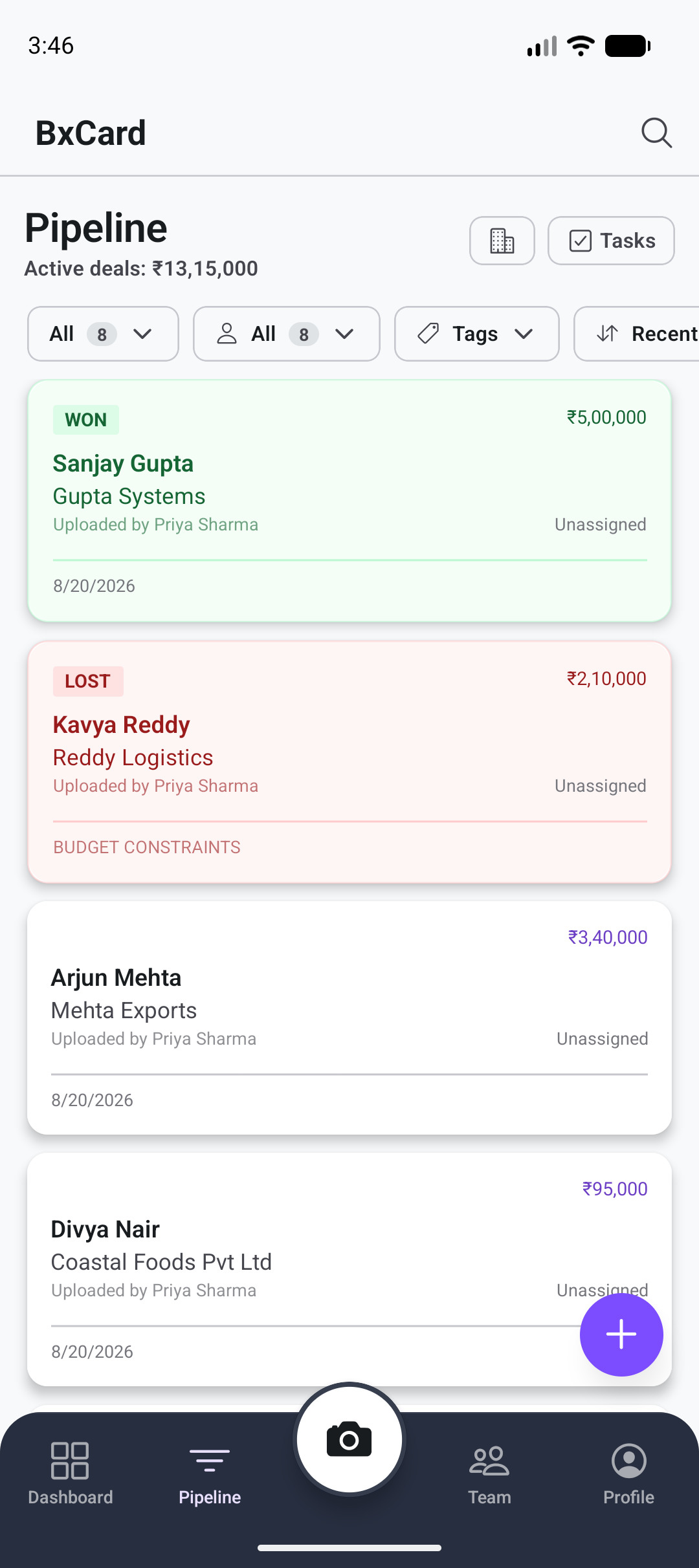
Every captured lead becomes a pipeline card moving through New → Contacted → Qualified → Proposal Sent → Negotiation → Won / Lost. Filter by stage, assignment, or tags, and sort by recency, deal value, or name.
- Leads are auto-filed into folders by industry - Healthcare, IT, Real Estate, and more.
- See total active pipeline value at a glance.
- Filter and sort by stage, assignment, tags, deal value, or name.
Assign the work, see who's doing it
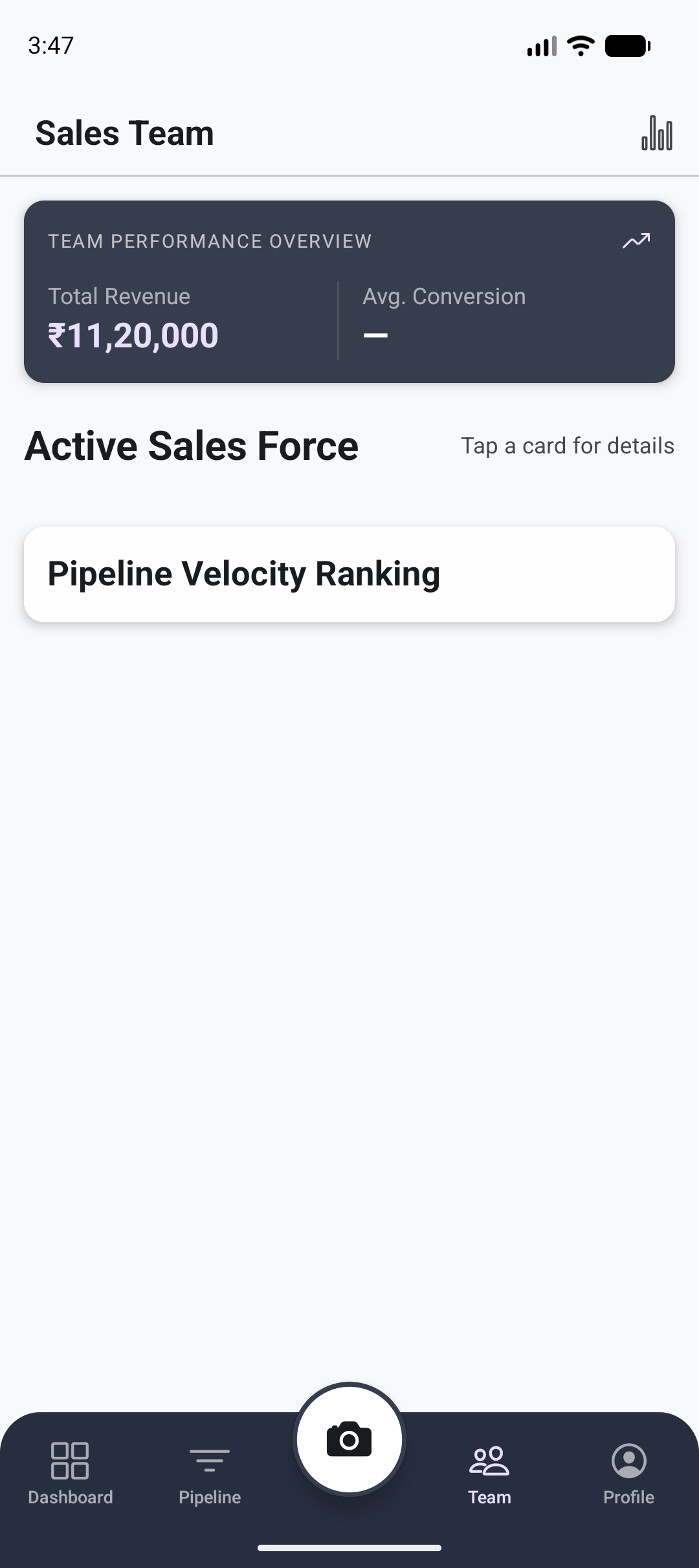
Invite teammates and assign leads to specific sales reps. Role-based permissions - admin, sales manager, sales rep - control exactly who can edit and assign what.
- Granular, role-based edit and assign permissions.
- Activity timeline on every lead - who did what, and when.
- Built for teams from 3 seats up to enterprise.
Nothing falls through the cracks
Every lead gets the follow-up scaffolding a real deal needs.
Tasks & reminders
Set tasks and reminders tied to individual leads, with a calendar view of everything coming up.
Notes & tags
Custom tags - Client, Investor, Prospect, or your own - plus free-form notes on every lead.
Documents
Attach quotes, brochures, and contracts to a lead, then browse and bulk-export documents across the whole workspace.
Your own shareable card, built in
Every user gets a shareable digital visiting card. On any lead, the same one-tap actions work both ways: call, email, WhatsApp, get directions, save straight to your phone's contacts, or share.
Your Name
Sales Manager · Your Company
See the pipeline the way your team performs it
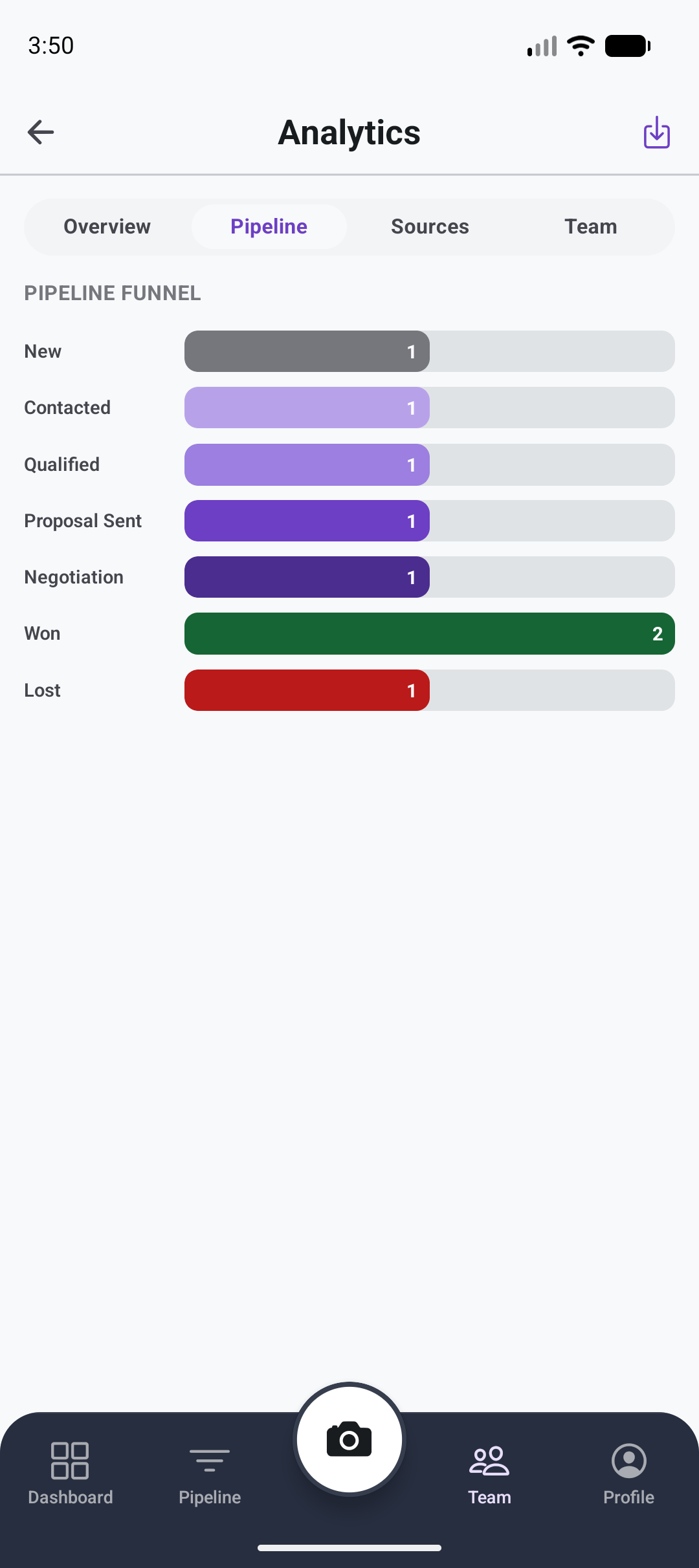
Pipeline value, conversion rate, leads-by-source, and team performance views - all built in. Export your full contact list to Excel any time; your data is never locked in.
- Pipeline value, conversion rate, and leads-by-source, all in one view.
- Team performance views for managers.
- Export the full contact list to Excel any time.
Works the way teams actually sign up
Free to use - plans differ by how many teammates you can add, not by locking features behind a paywall.
Google or email sign-in
Sign in with Google, or a plain email and password.
Skippable onboarding
A short set of questions about your role, team size, and industry right after signup - never blocks getting into the app.
Seat-based plans
Single User, Team of 3, Team of 5, or Enterprise - see full plan details on the pricing page.
Ready to turn your next handshake into a deal?
Free to use, live on Google Play today. Bring your team on for seat-based pricing whenever you're ready.